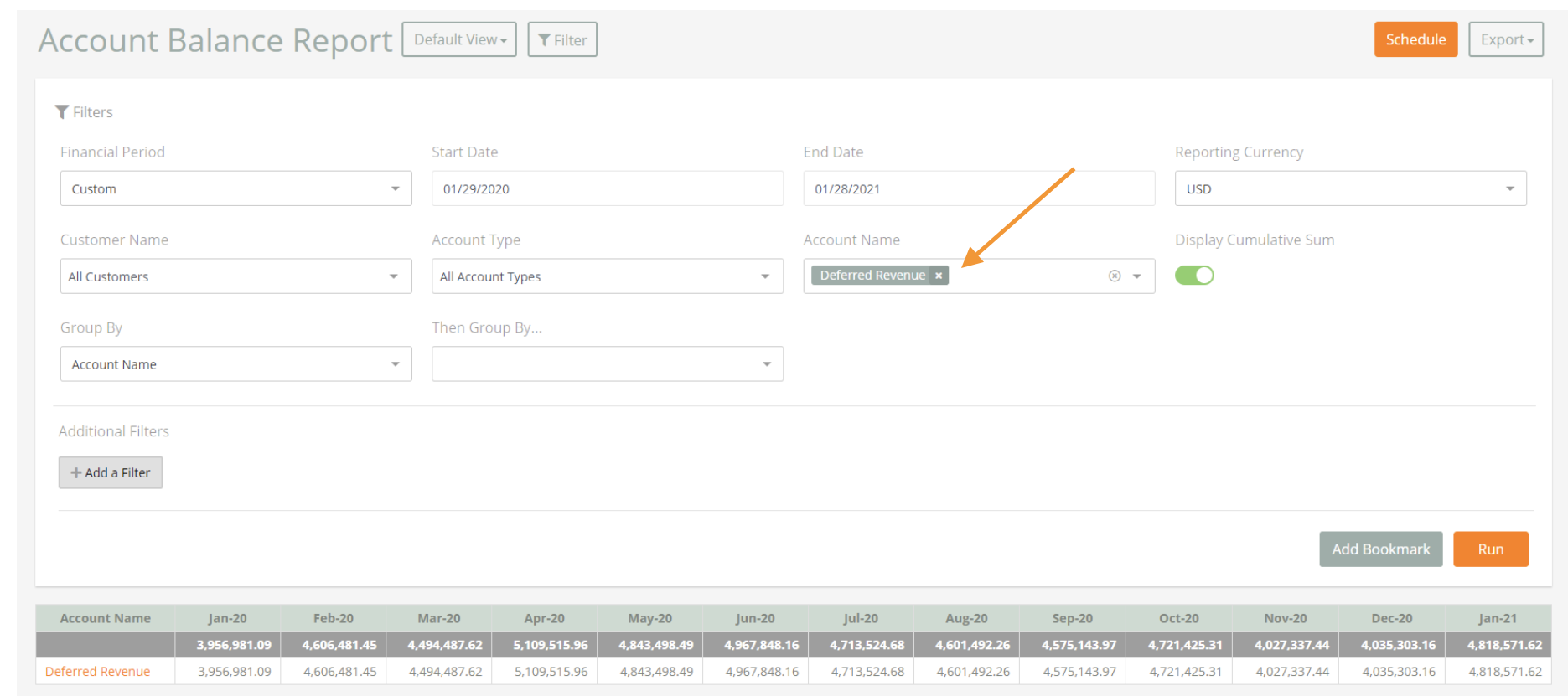
Complete the following steps to run a Deferred Revenue Report.
Steps:
- Navigate to Menu > Reports > Account Balance Report.
- Select Deferred Revenue as the Account Name.
- Click Run.

Complete the following steps to run a Deferred Revenue Report.
Steps:
Comments
0 comments
Please sign in to leave a comment.